A recording to text workflow should do more than produce a rough transcript. For real work, you need readable text, useful export formats, and a way to review names, numbers, timestamps, and speaker changes.
What to Check Before Choosing a Recording to Text Tool
Different recordings fail in different ways. A meeting may have overlapping voices, a course recording may include long pauses, and an interview may contain names or industry terms that need manual correction. Before uploading a long file, check these basics.
- Recognition accuracy: test one short section before processing a full recording.
- Export formats: use TXT for notes, DOCX for editing, and SRT or VTT for subtitles.
- Long file handling: confirm that the browser or service can process your file length.
- Speaker handling: decide whether you need speaker labels or only a clean transcript.
- Privacy: avoid uploading sensitive recordings to tools that do not explain how files are handled.
Best Use Cases
- Meeting recordings and action item notes
- Online courses, lectures, and study notes
- Interview transcripts for articles or research
- Podcast drafts and show notes
- Voice memos that need searchable text
- Subtitle drafts for videos, webinars, and lessons
Recommended Workflow
Start with a clean source file. If the recording has long silent gaps, remove silence first so review is easier. Then transcribe the audio, skim the first minute for obvious recognition issues, and only then process or export the full result.
- Upload the audio or video recording.
- Generate the transcript and review a short sample.
- Correct names, numbers, acronyms, and technical terms.
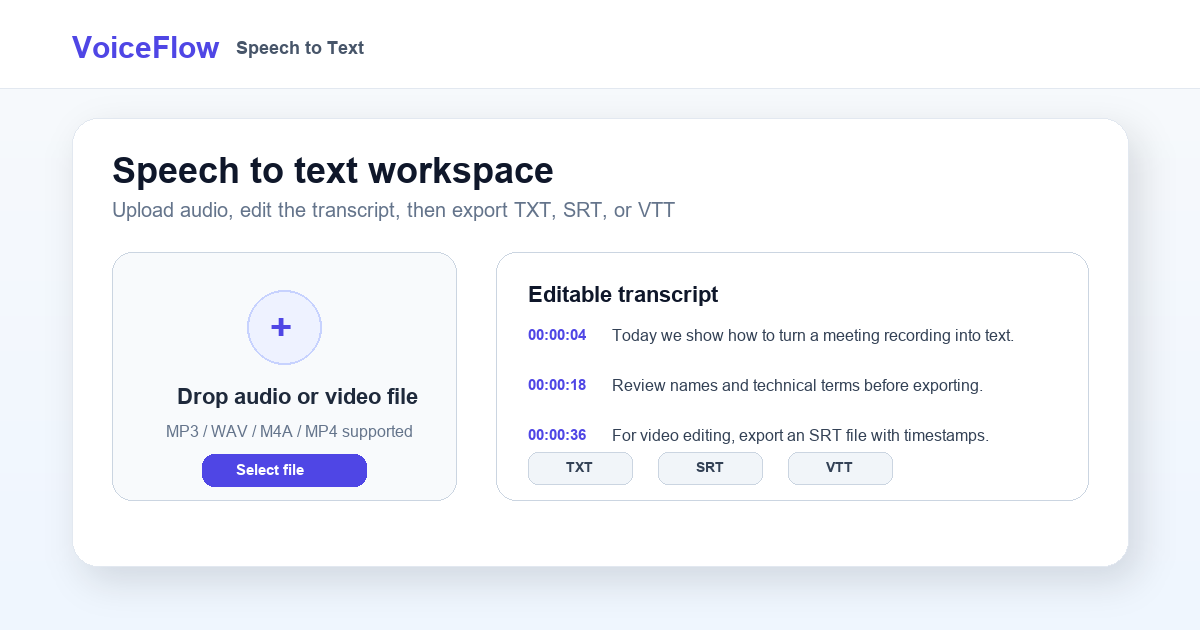
- Export TXT for notes or SRT/VTT if the text will become subtitles.
- For publishing, do one final pass while listening to the original audio.
TXT, SRT, or VTT: Which Export Should You Use?
For documents, TXT is the fastest format because it is easy to paste into notes, email, or an editor. For video, SRT is usually the safest choice because most editing tools and publishing platforms support it. VTT is useful for web players and HTML5 video.
If you are preparing subtitles, do not treat the transcript as finished text. Subtitle files need timing, line breaks, and shorter chunks that match how people actually watch video.
Common Mistakes
- Uploading noisy audio without checking a sample first.
- Using a plain transcript when the final deliverable needs timed subtitles.
- Skipping manual review for names, prices, dates, and legal or medical terms.
- Choosing a tool only by price instead of export options and review workflow.
Related transcription workflows
Use these tools when a recording needs cleanup, transcription, captions, or a new AI voiceover version.
Ready to try it? Upload a recording, generate a transcript, and export text or subtitles from the speech to text workspace.
Open speech to text